



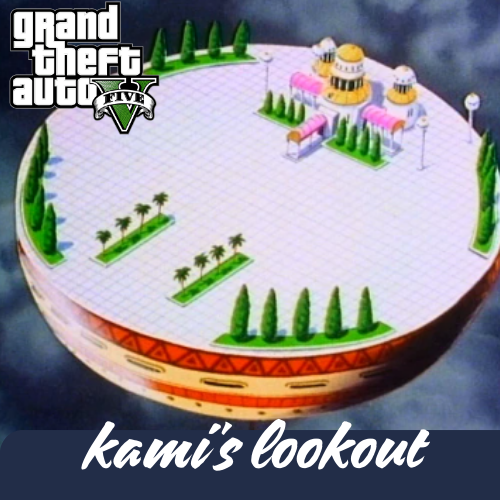
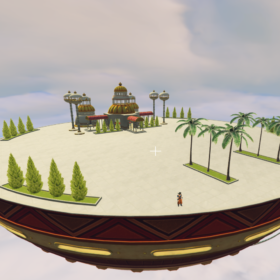
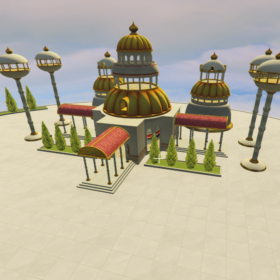
GTA 5 Mod Map 3 in 1 (Kami+Time Chamber+Tournament)

4 $
Gặp sự cố khi tải file?
Nếu bạn không tải trực tiếp được, đừng lo lắng! Hãy liên hệ để TẢI MOD và mua MOD Trực tiếp tại hệ thống Discord chính thức của chúng tôi để được Admin GTA5 VIỆT NAM MOD hỗ trợ ngay lập tức.

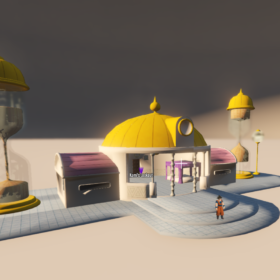

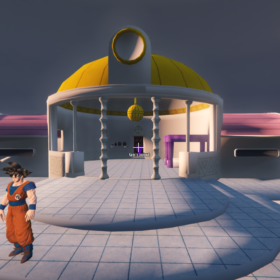
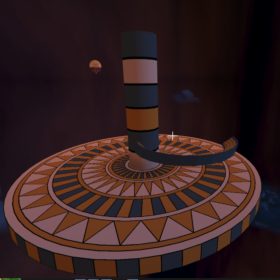
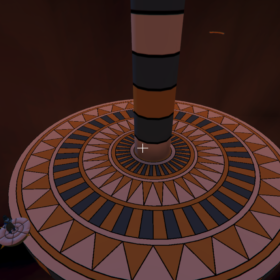

1. Kéo và thả các tệp vào Thư mục GTA V
2. Trong Open IV, thêm dòng vào dlclist.xml -> <Item>dlcpacks:/Kamilookout/</Item>
3. Trong trò chơi, mở Menyoo và điều hướng đến Object Spooner -> Quản lý các tệp đã lưu -> DBZ Map Pack.xml -> Tải vị trí
Thưởng thức!
2 đánh giá cho GTA 5 Mod Map 3 in 1 (Kami+Time Chamber+Tournament)
Sản phẩm tương tự

ALL MODS
1 $

ALL MODS
2 $

ALL MODS
1 $

ALL MODS
1 $
Giảm giá!

ALL MODS
Giá gốc là: 4 $.4 $Giá hiện tại là: 4 $.

ALL MODS
2 $

ALL MODS
2 $

Hunter –
This is very helpful; I’ve bookmarked it for future use.
Your code of destiny –
I’m extremely inspired with your writing skills and also with the format on your blog. Is that this a paid subject or did you modify it your self? Anyway stay up the nice quality writing, it’s uncommon to look a nice weblog like this one nowadays!